Overview
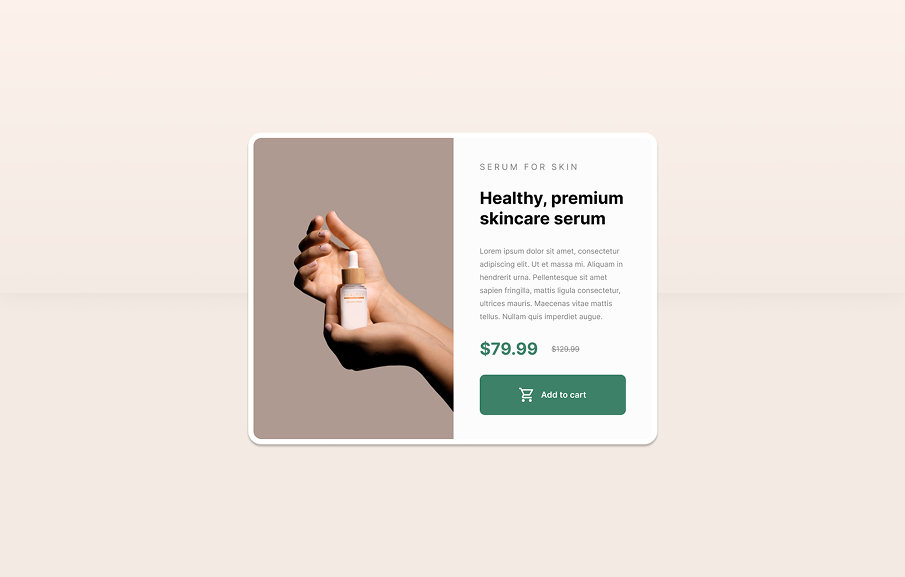
This tutorial walks you through how to design and build a responsive product card component using Figma for the UI design and Next.js for the development, covering the full design to code workflow.
You'll learn how to create desktop and mobile layouts in Figma using auto layout, spacing, typography and component structure, then export assets and rebuild the same card in Next.js with CSS modules. The tutorial also covers structuring reusable components, styling the layout to match Figma exactly, and making the card responsive with media queries so it adapts smoothly between desktop and mobile screens.